Fix AI-generated pixel art into real, game-ready sprites.
Midjourney, Stable Diffusion, DALL·E and Nano Banana output looks like pixel art — until you zoom in. Pixelize converts it into a true low-resolution grid on a real palette: deterministic, offline, on your own machine.
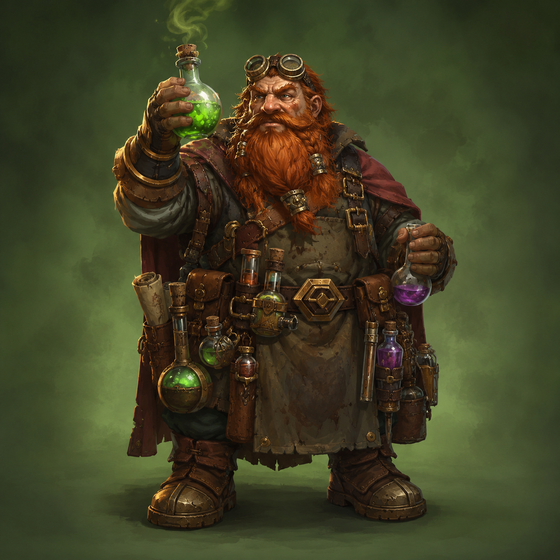
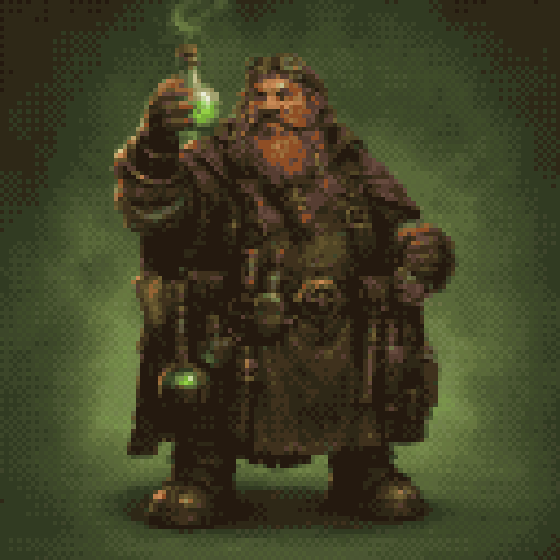
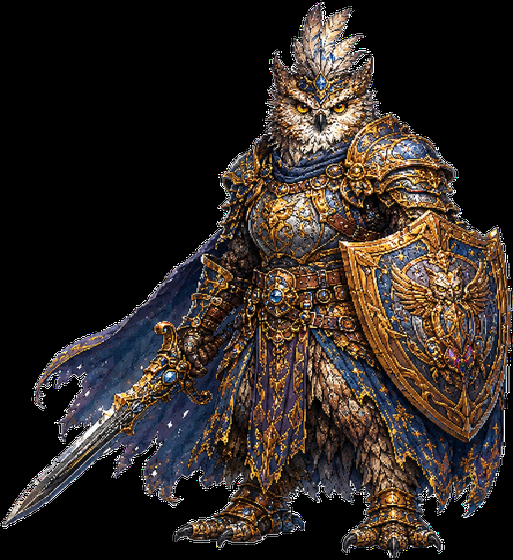
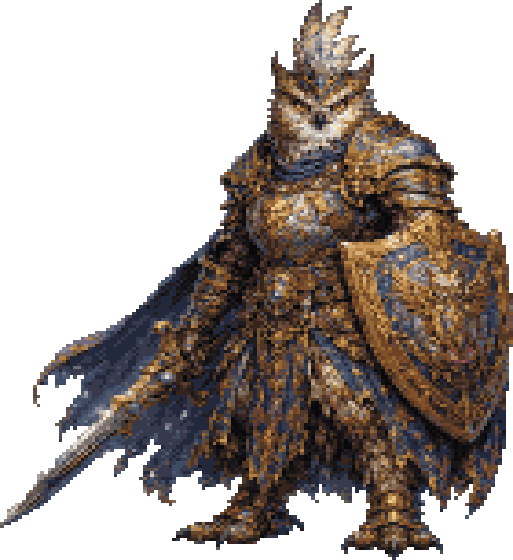
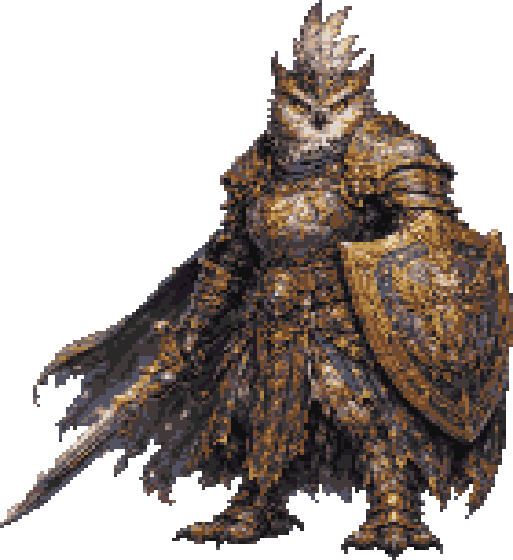
AI-rendered character → true pixel art, 128 px on a 24-colour auto palette.
Why AI “pixel art” falls apart in an engine
Mixels — the grid isn't real
The image was rendered at 1024 px and only imitates blocks. They don't sit on a consistent grid, so scaling in Unity or Godot smears them into mush.
Anti-aliased edges
Soft, semi-transparent edge pixels. Real pixel art has hard edges — against a tilemap this reads as blur, not as craft.
Hundreds of near-identical colours
A “PICO-8 style” render often carries thousands of colours with gradients and colour bleeding. No palette coherence, so nothing matches your other assets.
The wrong background
It arrives on white, a checkerboard or a gradient — not on transparency. Useless as a sprite until it's keyed out.
What actually fixes it
Pixelize is a deterministic pipeline, not a filter and not a generator. Five steps, every one of them under your control:
-
1
Real downscale
High-quality area resampling down to an actual target resolution (48–512 px). The grid becomes real instead of painted.
-
2
A real palette
Auto (median-cut in perceptual Oklab space) — or a named one: DawnBringer 16, PICO-8, Game Boy DMG. Or a console colour grid: Mega Drive (3-bit), SNES (5-bit).
-
3
Snap every pixel
Each pixel maps to the nearest palette colour, optionally dithered (Bayer 2×2, Bayer 4×4, Floyd-Steinberg).
-
4
Hard alpha
Alpha is cut at a threshold so edges stay crisp — or kept soft when you want the glow.
-
5
Integer upscale
Optional ×2/×4/×8 for presentation, plus auto-crop so the character uses the full target resolution.
Deterministic: same input + same settings + same app version = byte-identical output. No prompts, no re-rolls, no credits, no GPU.
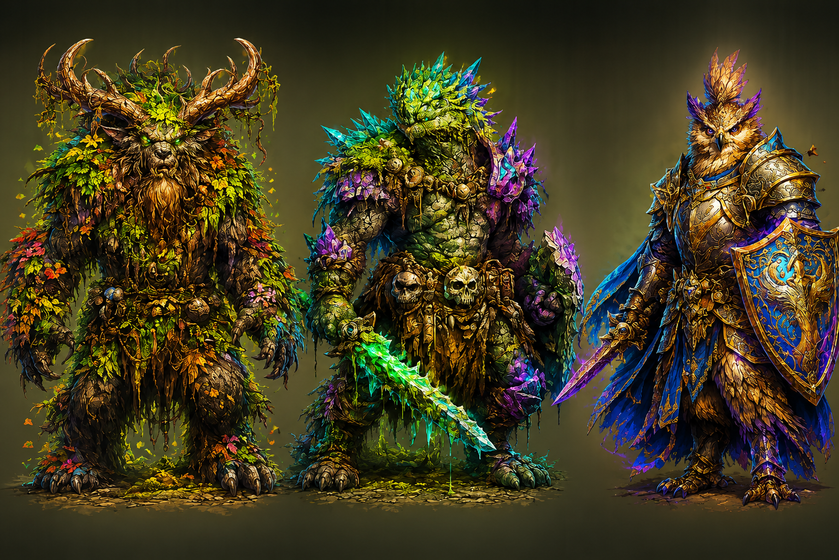
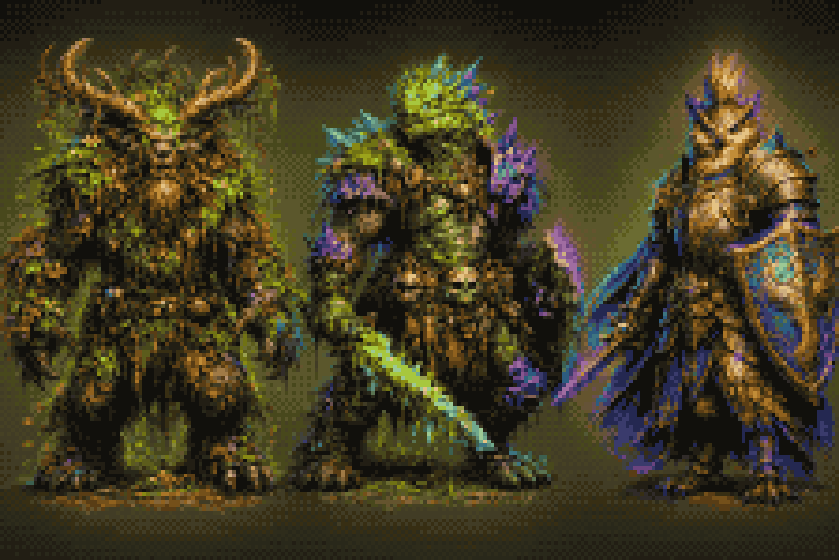
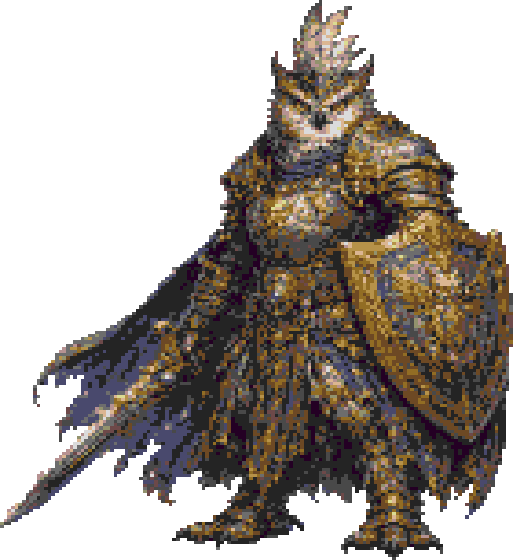
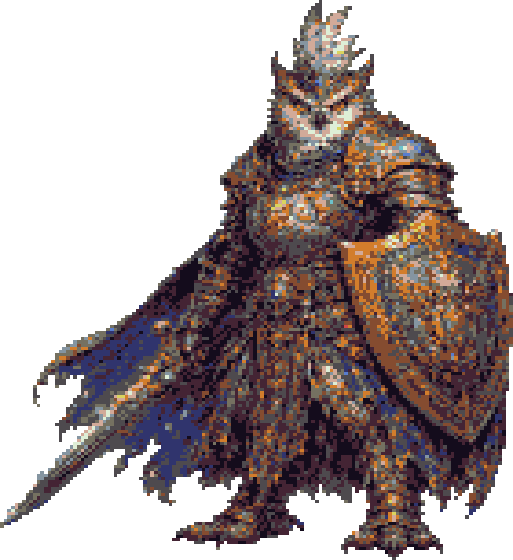
Same pipeline, painterly creature source. Drag to compare.
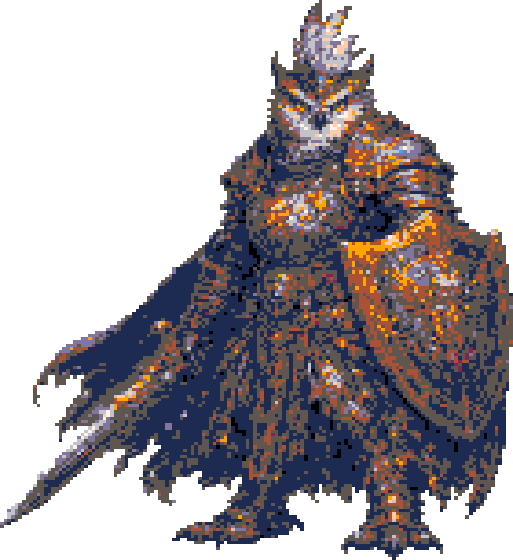
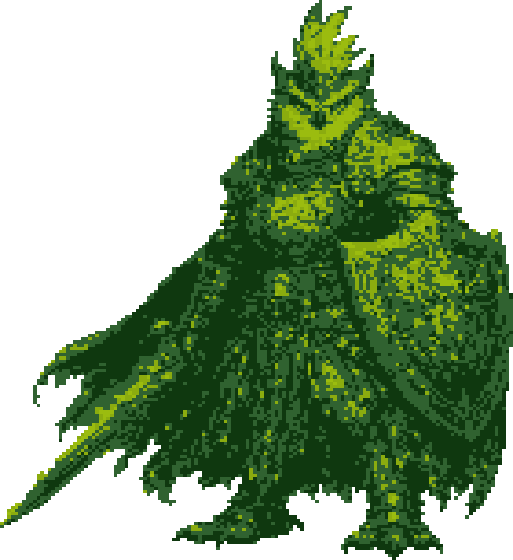
More palettes — same art, by name
AI art on a white or coloured background?
The free ChromaKey core keys out flat colour backgrounds — green screen, magenta, or any custom colour you pick, white included — with an adjustable tolerance. Auto detects the key colour per image, which is what you want for a mixed folder.
It's a colour key, not an AI cutout: it needs a flat background, not an arbitrary photo scene.
The whole loop
Generate your art wherever you like
Key the background out (free)
Pixelize to a real grid + palette
Drop the PNG into Unity, Godot, Unreal, Phaser or GDevelop
Got a folder full of them? Batch & Automation runs every operation you own across the whole folder — or from the headless CLI inside your build or CI.
An asset you authored — not a prompt result
Raw AI output reads as slop. Once it has passed through a deterministic pipeline you chose the parameters for — your resolution, your palette, your dithering — what ships in your game is a deliberate asset you made, on your machine.
What it doesn't do
- It doesn't generate anything. Bring your own image.
- No dark outline pass in this version (deferred to v1.1).
- No loadable custom palettes (.pal/.hex) yet, and no cross-frame palette for animation sheets.
- 64 px is often too coarse for fine facial detail — 128 px is the robust default.
- Background keying needs a flat colour, not an arbitrary photographic background.
The fine print, in plain words.
Try it on your own worst sprite.
The app and the ChromaKey core are free. Pixelize is €12 once — or the whole kit for €19.
Read the Pixelize handbook · All MutaSprite tools — chroma-key, Pixelize, Slice, Batch & CLI